
Edit your targets
- Open Dash.
- Tap Edit targets, the sliders icon on the Your daily targets card.
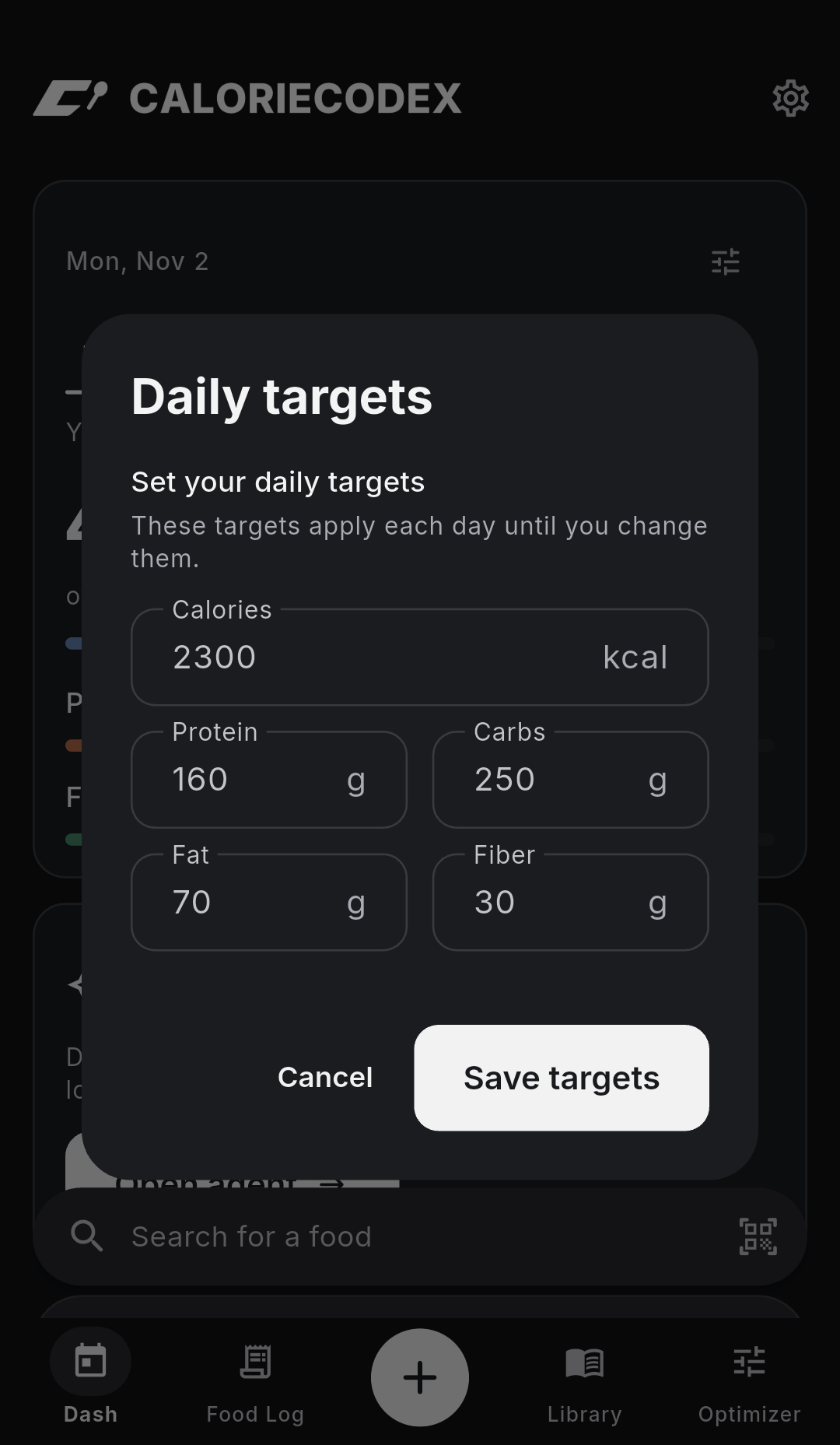
- Enter your calories, protein, carbs, fat, and fiber targets.
- Tap Save targets.
See how much you have left
On the Your daily targets card, tap Remaining to see what's left. Tap Consumed to see what you've logged.
Note
Your saved targets apply each day until you change them.